How to Use EQ Without Clipping
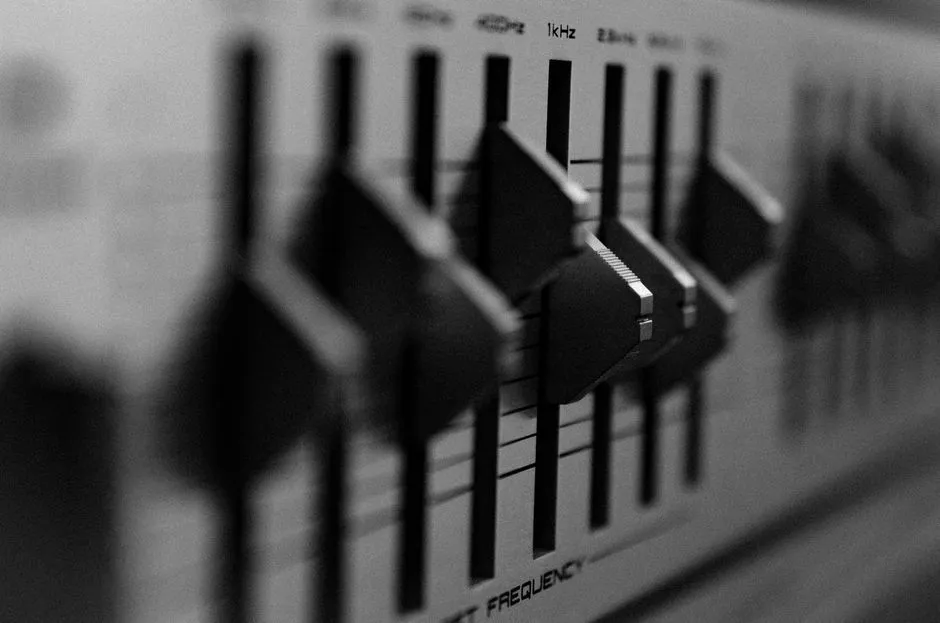
Make room before you boost
To use EQ without clipping, lower the EQ's preamp or output gain before adding positive boosts, then watch the app's clipping indicator while playing varied material. A practical starting point is to reduce preamp gain by at least as much as your largest boost: a +4 dB band suggests starting near -4 dB. That is a starting point, not proof; overlapping filters and other processing can require more headroom.
Digital audio has a ceiling. When processing pushes samples above that ceiling, the peaks are cut off, or clipped. The result can be audible as crackle, grit, or a hard edge, though a brief overload is not always obvious. Roon's headroom documentation explains that EQ and other digital signal processing can raise samples beyond the allowed range and recommends attenuation to create headroom.
The fix belongs inside the signal path. Turning down an amplifier after the clipped signal has already been created makes the damaged result quieter; it does not restore the missing peak.
Use a simple headroom routine
Start from a saved flat preset so you can return to it. Disable unrelated processing, including loudness, spatial, bass-enhancement, or normalization controls, unless they are part of the system you actually want to test.
Then use this sequence:
- Set every EQ band flat.
- Lower the EQ preamp or output control.
- Add one modest filter at a time.
- Play several familiar recordings, including dense or bass-heavy passages.
- Watch any clipping, peak, or overload indicator provided by the software.
- If it triggers, reduce preamp gain further and repeat.
In Roon specifically, the manufacturer suggests beginning its Headroom Management control at -3 dB and adding more reduction if its clipping indicator fires. Do not copy that number blindly into another app: controls, filter behavior, meters, and processing order differ.
If your equalizer has no preamp control, prefer cuts over boosts. Lowering an over-prominent range can change the balance without asking a different range to cross the ceiling. If you must boost, reduce an upstream digital level that the software documentation confirms sits before the EQ. A physical volume knob downstream is not a substitute.
Treat the largest boost as a clue, not a guarantee
Suppose your strongest move is +5 dB at 80 Hz. Setting the preamp to -5 dB is a sensible first pass because it offsets that displayed boost. It does not guarantee a clean signal. Broad filters can overlap, several boosts may reinforce one another, and later processing may add level again.
That is why the meter matters more than arithmetic alone. Run the finished preset through more than the quiet acoustic track used to build it. Try material with strong low end, sharp drum transients, and a busy chorus. A preset that behaves on one recording can overload on another.
Keep adjustments modest. If the curve requires several large boosts, pause and ask whether placement, headphone fit, a room resonance, or a damaged driver is the underlying problem. EQ can reshape a signal; it cannot repair hardware or turn one playback system into another.
For what each control is likely to affect, inspect the control labels and the current device manual. Then compare the clean, level-adjusted result with the method in the listening lab.
Compare at matched loudness
Creating headroom makes the processed version quieter. That can make flat sound more impressive simply because it is louder. Compensate only at the final listening control, after the EQ and headroom adjustment, and switch between versions at a comfortable matched level. Do not raise the EQ preamp again merely to win the comparison.
Listen for a specific outcome: clearer speech, less bass bloom, or a softer treble edge. Bypass the entire chain, not just one band. If the adjusted version is not consistently better across several passages, simplify or reset it. A tidy curve is not a listening result.
Keep listening levels safe
Headroom prevents digital overload; it does not set a safe acoustic level at your ears. An unclipped signal can still be much too loud. The World Health Organization's current safe-listening guidance says both level and duration matter, advises keeping a device below 60% of maximum, and recommends monitoring exposure when that feature is available.
Use a moderate level, take quiet breaks, and never turn up to make a small EQ change easier to hear. Persistent ringing, muffled hearing, difficulty hearing high-pitched sounds, or difficulty following conversation calls for a hearing check, not another filter.
Save the clean version with its context
Once the indicator stays clear across varied material and the comparison still favors the adjustment, save the preset with the device, output, and headroom value in its name. Settings may not transfer between headphones, speakers, rooms, apps, or sample-rate paths.
A useful final check is short: indicator clear, no audible grit, moderate listening level, and bypass still confirms the intended improvement. Headroom is not glamorous, which is precisely why it deserves a place above the gorgeous curve.