Equalizer Frequency Bands, Explained by Ear
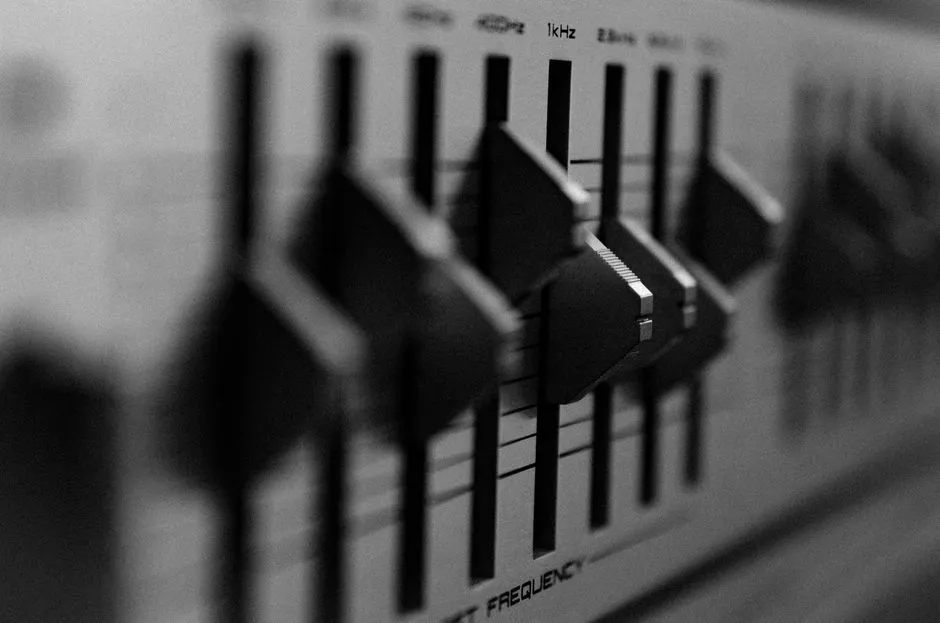
An EQ changes level by frequency
An equalizer, or EQ, raises or lowers selected parts of an audio signal according to frequency. In everyday language, it changes how much low, middle, or high-frequency energy reaches the output. Apple's Logic Pro guide describes EQ as a collection of filters that can leave some frequencies unchanged while boosting or cutting others.
On a graphic equalizer, the leftmost slider usually controls the lowest labeled center frequency and the rightmost the highest. The sliders between them move progressively upward through the spectrum. A nine-band EQ gives nine fixed control points; a different device may offer fewer or many more. Nine is an interface choice, not a natural law discovered humming beneath a mixing desk.
Return every control to its neutral or flat position before exploring. Product labels and reset behavior differ, so check the manual rather than assuming that the middle of every on-screen control means the same thing.
A band is an area, not one lonely pitch
The number printed below a graphic-EQ slider is normally the band's center frequency. Moving that slider affects an area around the center, and neighboring bands overlap. The exact width and shape depend on the equalizer. Raising one slider does not summon a single pure tone while leaving its neighbors politely untouched.
A parametric EQ adds controls that may let you select the center frequency, amount of gain, and bandwidth or Q. A shelf changes a broad region above or below its corner; a high-pass filter progressively reduces frequencies below its cutoff. Yamaha's beginner EQ overview illustrates how graphic, parametric, and filter controls serve different jobs.
That is why settings cannot be copied reliably between unrelated EQ designs. The same label may sit on a wider or narrower band, offer a different gain range, or operate at another point in the signal path.
How to read one EQ band
| Control | What it tells you | What it does not tell you |
|---|---|---|
| Frequency, in Hz or kHz | The center of a bell or graphic band, or a corner or cutoff for some other shapes | A universal label such as vocal or mud |
| Gain, in dB | The amount of boost or cut | The width of the change |
| Q or bandwidth | The width around the center | Whether the change helps |
| Filter shape | A bell, shelf, high-pass, low-pass, or another documented curve | A guaranteed result |
Adobe Audition is one product example, not a universal layout: its Graphic Equalizer offers 10 one-octave, 20 half-octave, or 30 one-third-octave bands. Adobe says fewer bands are quicker to adjust while more bands provide greater precision. A nine-band control still follows its own labels and manual.
Is 0 dB the same as flat or bypass?
No. Adobe documents 0 dB as no adjustment on its Graphic Equalizer's overall Gain control. On an individual band-gain label, 0 dB means neither boost nor cut only if the product manual confirms it. Flat describes a curve with no frequency-selective boosts or cuts shown; one neutral band cannot establish that.
Bypass is different: it lets you compare the path without EQ processing. Reset, neutral, flat, and bypass behavior can differ, so confirm the manual and compare at matched loudness.
Here is a hypothetical reading, not a recommendation: a parametric band at 1 kHz with +3 dB gain is centered at 1,000 Hz and raises level around that center. Q or bandwidth determines the affected width. It neither adds 3 dB to the whole signal nor guarantees a tonal result.
Read low, middle, and high as neighborhoods
Frequency charts often attach words to regions. Treat them as listening prompts, not property lines.
Lowest bands can alter deep weight, vibration, room rumble, kick fundamentals, or bass extension, depending on the recording and playback system. Small speakers may reproduce very low content weakly. Raising the slider cannot make a driver perform beyond its physical capability; it can consume headroom or produce distortion instead.
Upper-low and low-middle bands often change fullness, warmth, thickness, or muddiness. Many voices and instruments have energy here, so “this is the guitar band” is too simple. One instrument occupies multiple regions through its fundamental tones, harmonics, attacks, and resonances.
Middle bands can affect how forward, boxy, nasal, clear, or distant material seems. Those words are subjective and source-dependent. The useful question is not “What does this band always do?” but “What changed in this passage on this system?”
Upper-middle and high bands can alter presence, attack, intelligibility, brightness, hiss, cymbal character, or a sense of air. Boosting them may reveal detail or make fatigue and harshness more obvious. Hearing sensitivity also varies by person and frequency; do not diagnose a hearing problem with an entertainment EQ.
Use our level-matched EQ comparison to connect these neighborhoods to your own playback.
Source, room, and speakers share the result
An EQ setting never acts in isolation. The recording already has a tonal balance. Headphones and speakers have their own response. A room adds reflections and resonances, and speaker placement changes what arrives at the listening position. A setting that helps one recording in one room may make another sound peculiar elsewhere.
For personal playback, begin with the equipment positioned and fitted correctly. Disable other sound enhancements while learning, since stacked bass boosts, spatial modes, loudness features, and app-specific EQ can obscure which control produced the change. Keep the playback level moderate and consistent.
For live sound, feedback control and system tuning require more than copying a smile-shaped curve from the internet. Excessive boosts reduce available headroom and can strain equipment. Yamaha notes that too much boost can cause clipping and distortion. If you are responsible for a public or high-powered system, follow its documentation and appropriate audio-safety practice.
Explore one slider at a time
Choose a familiar, well-recorded passage with voice, bass, percussion, and sustained instruments. At moderate volume:
- Start flat and listen once without touching anything.
- Move one band by a clearly audible but not extreme amount.
- Listen for what changed and what did not.
- Return it to flat and compare again.
- Repeat with the next band.
Do not try to create a perfect setting during this tour. You are building a map between control and sensation. Browse sound basics for filter vocabulary and listening lab for comparison drills.
Once you understand the bands, solve a specific problem with the smallest useful move. If the original sounds better when you press bypass, congratulations: the button has performed quality control.
Sources
- Apple: Equalizers overview in Logic Pro — EQ filters and frequency-band level changes.
- Apple: Channel EQ parameters — frequency, gain, Q, shelf, and pass-filter controls.
- Adobe Audition: Filter and equalizer effects — graphic-band spacing, precision, decibels, 0 dB, and parametric controls.
- Yamaha: Practical EQ Techniques — graphic and parametric EQ, filter shapes, Q, gain, clipping, and distortion.